
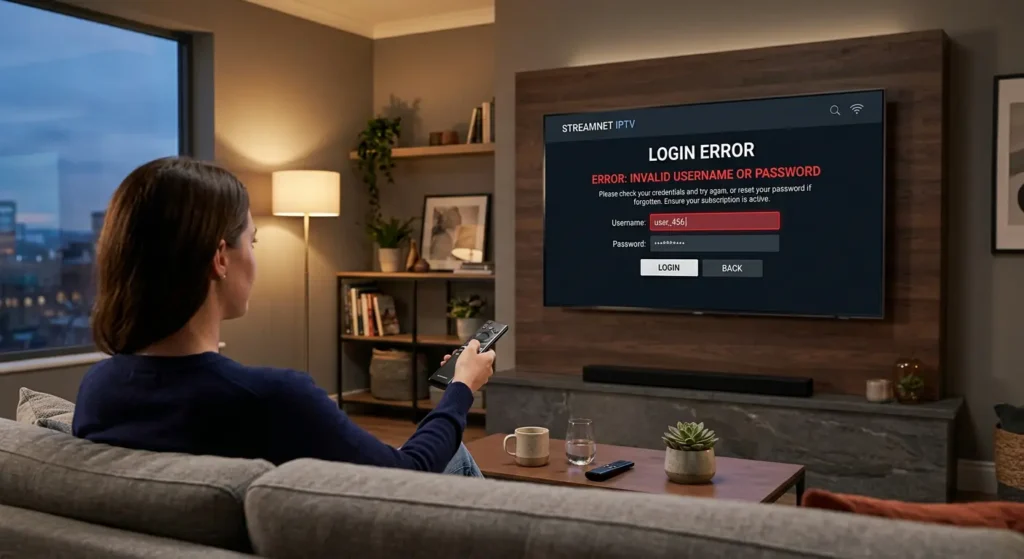
Staring at an “Invalid Username,” “Login Failed,” or “URL Error” message is one of the most frustrating experiences for any IPTV user. You’re all set to watch your favorite show, and suddenly, you’re locked out. The good news is that an IPTV login error fix is usually simpler than you think. This guide will walk you through everything, from understanding why these errors happen to step-by-step solutions that get you back to streaming, with special tips for users in Dubai.
Try a free trial of our server for 24-48 hours; click here.
What Is an IPTV Login Error? (Quick Overview)
Any problem that denies you the opportunity to authenticate your account and access your subscribed content is considered an IPTV login error. Rather than a list of channels, you have a message such as Login Failed, Authorization Failed or Check Portal URL.
Such mistakes happen due to a few reasons that are common. Simply put, the IPTV app on your device (such as a Firestick, Smart TV or phone) is attempting to communicate with the server of the IPTV provider. It transmits your credentials (username, password and unique URL) to the server to get checked. In case any of that information is wrong, out of date, or obstructed, the server refuses the request, and you get a login error. It is a security measure in that it checks that only active and paid subscribers are using the service.
Common IPTV Login Errors You May Face
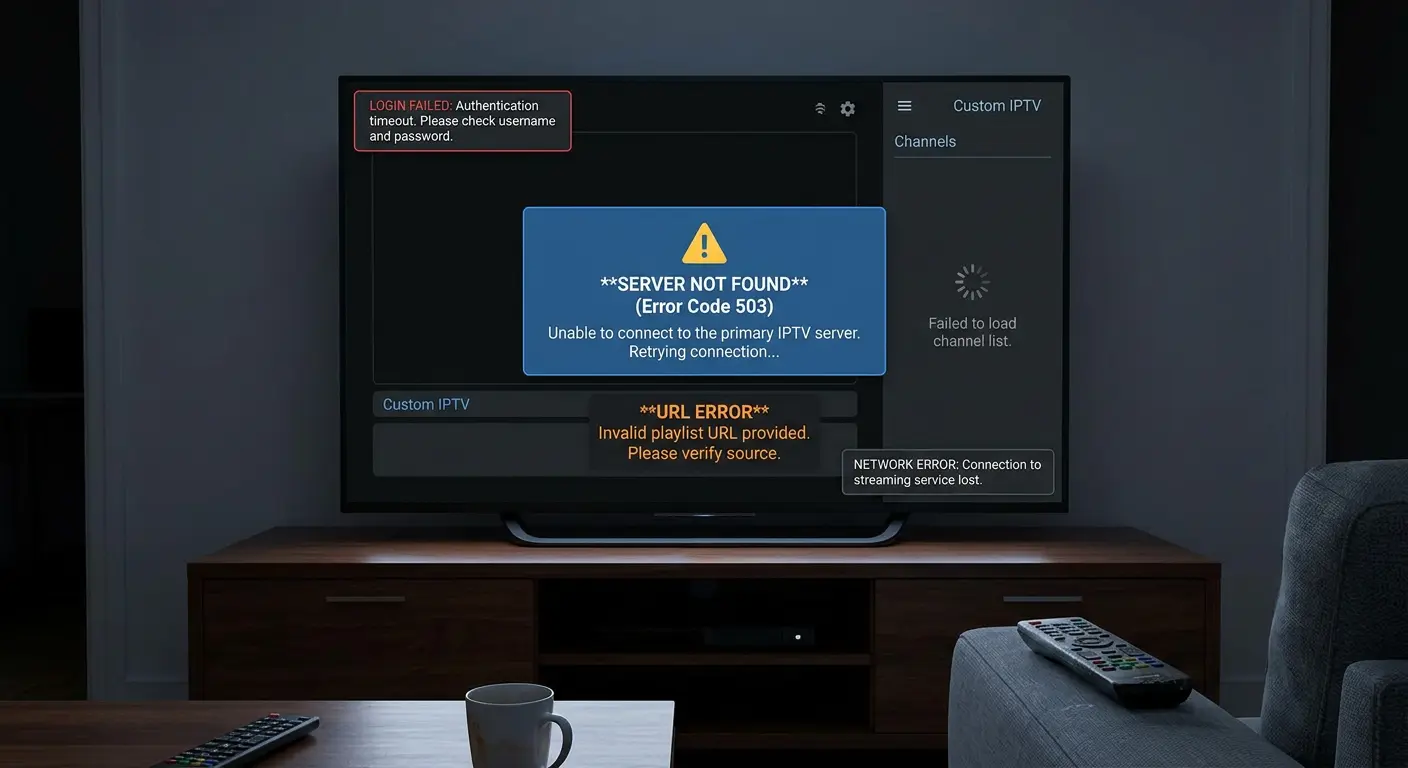
Invalid Username or Password Error
This is the most common issue of login. It means the details you entered don’t match the records on your provider’s server. It’s often a simple typo, but it can also be more complex.
IPTV URL Error or Server Not Found
This error, sometimes showing as a “404 Not Found” message, indicates that the app can’t find the server address you provided. The URL is like the server’s street address; if it’s wrong, the app is lost. Providers sometimes update these URLs for maintenance or to move to a new server, which can cause this issue if you’re using an old link.
Account Expired or Disabled Issue
If your subscription period has ended, your provider will deactivate your account. The app will show a login error because your credentials are no longer valid in their system. Sometimes, an account can be temporarily disabled for other reasons, like sharing it on too many devices.
IPTV App Login Failed Problem
This is a more general error where the app itself is the source of the problem. It could be due to a bug, corrupted data (cache), or being an outdated version that is no longer compatible with the provider’s server.
IPTV Username Password Not Working – Top Reasons
When you’re certain you’re typing everything correctly, but the IPTV username and password not working issue persists, one of these culprits is likely to blame:
Wrong Login Details
It sounds obvious, but even a single incorrect character or an extra space can cause a login failure. Always copy and paste credentials from your provider’s email or dashboard if possible.
Expired IPTV Subscription
Many users forget to check their subscription status. Providers don’t always send renewal reminders, so your account might be inactive without you realizing it.
Case Sensitivity Issues
Usernames and passwords are often case-sensitive. “User123” is not the same as “user123.” Double-check that your caps lock isn’t on and that you’re matching the case exactly as provided.
Account Shared on Too Many Devices
Most IPTV subscriptions limit the number of simultaneous connections. If you’ve shared your login and too many people are trying to watch at once, the server may temporarily block your account or new login attempts.
Try a free trial of our server for 24-48 hours; click here.
IPTV URL Error Solution (Step-by-Step Fix)
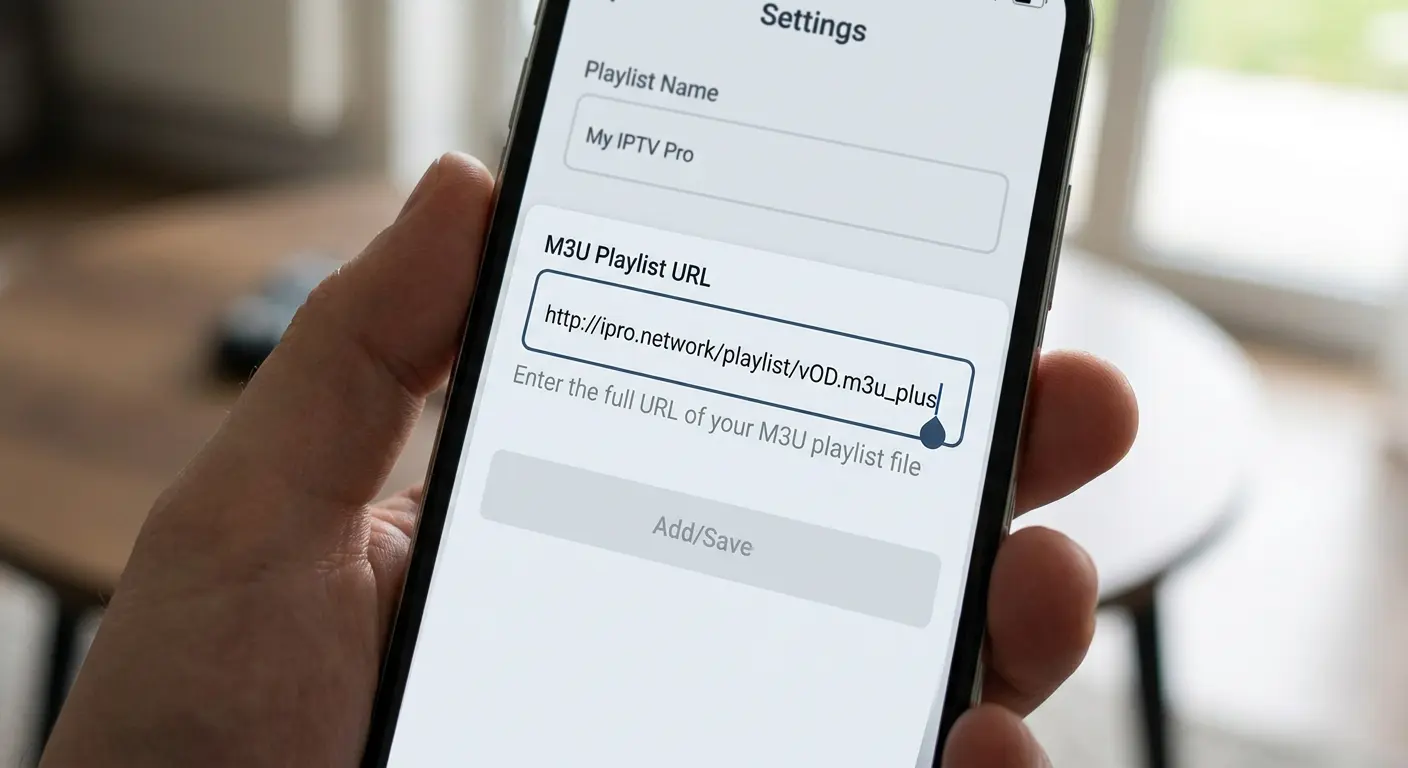
An IPTV URL error solution is straightforward. The key is to ensure the URL is perfect and reachable. A “404 Not Found” or similar error means the link is wrong, expired, or blocked.
Check M3U or Portal URL carefully.
Re-copy the URL directly from your provider. Don’t type it manually unless you have no other choice. Ensure it starts with http:// and not https:// unless specified by the provider, as some apps only work with one or the other.
Remove Extra Spaces or Characters
When you copy and paste, it’s easy to accidentally include a space at the beginning or end of the URL. These invisible characters will cause the link to fail. Also, remove any extra slashes (// ) at the end of the URL.
Test URL on Another Device
Paste the URL into a web browser on your phone or PC. If it downloads a file or shows a page with text, the URL is likely active. If it shows a “Page Not Found” error, the link itself is dead. You can also try using a different app like VLC Media Player to test the stream.
Contact IPTV Provider for the updated URL
If the URL is dead, the provider has likely changed it. Contact their support and ask for the new, updated server URL for your account.
IPTV Login Error Fix (Complete Step-by-Step Guide)
Here is a universal checklist to fix nearly any IPTV login error.
Restart Your IPTV App or Device
The oldest trick in the IT book works for a reason. A simple restart can clear temporary glitches. First, close the IPTV app completely. If that doesn’t work, perform a full power cycle: unplug your streaming device (Firestick, TV, etc.) and your internet router from the power outlet, wait 60 seconds, and plug them back in.
Clear App Cache and Data
Apps store temporary files in a cache. Over time, this data can become corrupted and cause login issues.
- On Firestick/Android TV: Go to Settings > Applications > Manage Installed Applications > [Your IPTV App] > Clear Cache and then Clear Data.
Re-enter Login Credentials
After clearing the data, you’ll need to log in again. This time, be extra careful. Copy and paste the credentials directly from the source to avoid any typos or case-sensitivity errors.
Update IPTV App or Player
An outdated app can lose compatibility with the server. Check your device’s app store or your provider’s website for an updated version of the application and install it.
Check Internet Connection Speed
While not a direct login error cause, a very slow or unstable connection can prevent the app from successfully contacting the server. Run a speed test to ensure you have at least 15-25 Mbps for smooth streaming. If you’re unsure about the right speed, check our guide on IPTV Dubai: Best Internet Speed for No Buffering.
Fix IPTV Login Errors on Popular Devices
Firestick IPTV Login Fix
For Firestick users, the most common fixes are clearing the cache and data as described above, ensuring you have the latest version of your IPTV app (sideloaded if necessary), and restarting the device from Settings > My Fire TV > Restart.
Smart TV IPTV Login Issue
On Smart TVs (Samsung, LG, etc.), login issues are often due to the app itself. Make sure the app is updated. If problems persist, try uninstalling and reinstalling it. Another effective fix is to change your TV’s DNS settings to a public DNS like Google’s (8.8.8.8) or Cloudflare’s (1.1.1.1), which can help resolve connection issues.
Android & iPhone IPTV Errors
On mobile devices, the fix is similar: update the app, clear the cache, and double-check the credentials. Also, try switching between Wi-Fi and mobile data. If the login works on mobile data but not on your home Wi-Fi, it points to an issue with your internet provider.
PC / Laptop IPTV Login Problem
When using a player like VLC or an IPTV app on a PC, temporarily disable your antivirus and firewall to see if they are blocking the connection. If that works, add an exception for the IPTV app in your security software. Always ensure you’re using the correct and full URL provided.
IPTV Not Working in Dubai?
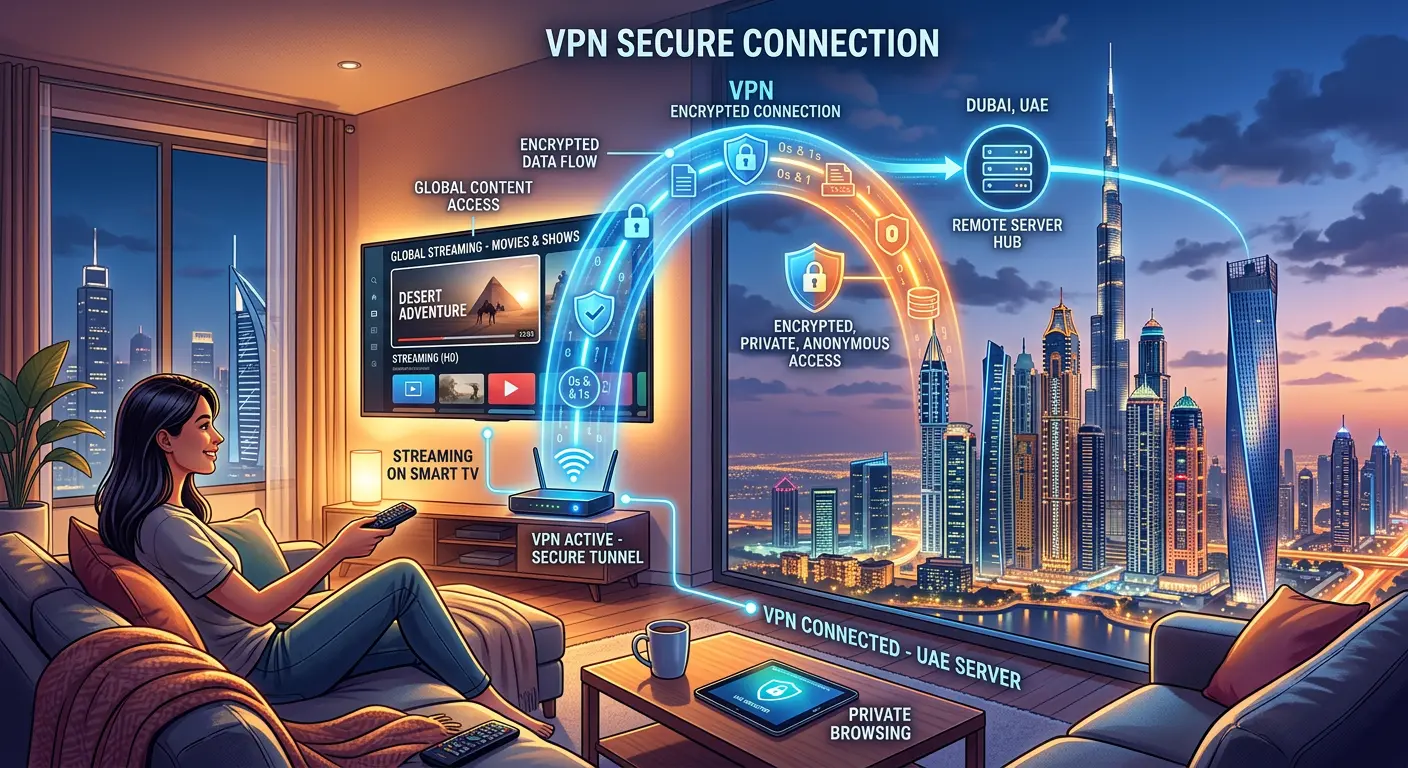
Users in Dubai and the UAE sometimes face unique challenges.
ISP Blocking IPTV Services
The UAE has strict regulations, and Internet Service Providers (ISPs) like Etisalat and Du may block connections to unlicensed IPTV servers. This is a common reason why a service that worked perfectly one day suddenly stops.
Using VPN for IPTV Login Issues
A Virtual Private Network (VPN) is an effective solution to ISP blocking. A VPN encrypts your internet traffic and routes it through a server in another country, hiding your streaming activity from your ISP and bypassing the block. Choose a reputable VPN known to work well in the UAE for the best results.
DNS Settings Fix for UAE Users
Similar to the Smart TV fix, changing your device’s DNS settings can sometimes bypass certain blocks. This is a less robust solution than a VPN but is a good first step to try.
How to Check If Your IPTV Account Is Active
Don’t guess—verify. Here are simple ways to check your account status:
- Provider’s Website: The most reliable method is to log into your IPTV provider’s official website or client portal. It should show your subscription status, including the expiration date.
- Check the App: Some IPTV apps display the subscription expiration date on the main screen or within the account settings.
- Online IPTV Checker: There are free online tools like IPTV Checker where you can paste your M3U URL to verify its status, though using your provider’s official site is more secure.
Try a free trial of our server for 24-48 hours; click here.
When to Contact Your IPTV Provider
If you’ve tried all the steps above and are still locked out, it’s time to contact support.
- What Info to Send: To get fast help, provide your username, the full error message you’re seeing, the device and app you’re using, and the troubleshooting steps you’ve already taken.
- How to Get Fast Support: Be clear and concise. A message like, “Hi, my username is ‘MyUser’. I’m getting an ‘Invalid Password’ error on my Firestick with IPTV Smarters Pro. I’ve already cleared the cache, restarted my device, and verified my password is correct. Can you please check if my account is active?” will get you much faster results than “it’s not working.”
Pro Tips to Avoid IPTV Login Errors in Future
- Save Credentials Properly: Use a password manager or a secure note to save your login details. This prevents typos and ensures you always have the correct information.
- Use Trusted IPTV Providers: Choose well-reviewed, reliable IPTV providers known for stable servers and good customer support. They are less likely to have frequent server issues or disappear overnight.
- Avoid Free/Unstable Services: Free or suspiciously cheap IPTV services are often illegal and highly unstable. They frequently change server addresses or get shut down, leading to constant login problems.
FAQs
Why is my IPTV saying invalid username or password?
This usually means you’ve entered the details incorrectly, your subscription has expired, or there’s a typo (check for extra spaces or case sensitivity).
How do I fix IPTV URL errors?
Double-check the URL for typos, copy and paste it directly from your provider, and test the link in a web browser. If it’s dead, contact your provider for an updated URL.
Can IPTV stop working suddenly?
Yes. This is often due to the provider’s server going down for maintenance, your subscription expiring, or your ISP blocking the service, which is common in regions like Dubai.
Do I need a VPN for IPTV in Dubai?
It is highly recommended. A VPN can help you bypass ISP blocking, which is a primary reason for IPTV services not working in the UAE. It also enhances your privacy while streaming.
Final Summary
Facing an IPTV login error can be a hassle, but it’s rarely a permanent problem. By working through these solutions step-by-step, from the simple restart to checking your subscription and contacting your provider, you can solve the vast majority of login issues yourself. The key is to be methodical and rule out one possibility at a time. With a little patience, you’ll be back to enjoying your favorite content in no time.