

Nothing ruins a football match or movie night faster than IPTV freezing every few minutes. Users all over the UAE experience buffering, lagging and random freezing of their IPTV streaming service, particularly in the late evening hours. However, the issue is not necessarily with the IPTV provider. Other causes of streaming interruptions include your internet connection, usage restrictions by your ISP, settings in the app, or your device’s performance.
Fortunately, the majority of IPTV freezing issues can be resolved in a matter of moments. This comprehensive guide provides you with the actual culprits behind why IPTV is freezing in UAE and 10 effective fixes to handle the issue.
Why IPTV Keeps Freezing in UAE
IPTV is a live stream of content that transmits the signal via the internet, rather than satellite or cable.
Unlike Netflix or YouTube, IPTV needs a steadfast real-time association. IPTV requires a stable real-time connection as compared to Netflix or YouTube. Freezing, buffering or lag can occur during a network interruption, even if it is only a few seconds.
The most usual reasons are:
- Slow or unreliable internet connection.
- Weak WiFi signal
- ISP throttling
- IPTV server congestion
- Device overheating
- erroneous settings of the IPTV app.
- Old routers
- Full app cache
- Poor VPN configuration
- High resolution on poor signal.
In UAE, peak traffic on the Internet is from 7 PM to 11 PM, which causes more buffering during that period of the day.
Quick Comparison Table of IPTV Freezing Causes and Solutions
| Problem | Symptoms | Best Fix |
|---|---|---|
| Slow Internet | Constant buffering | Upgrade internet speed |
| Weak WiFi | Random freezing | Use Ethernet cable |
| ISP Throttling | Buffering during evenings | Use premium VPN |
| Overloaded IPTV Server | Specific channels freeze | Change provider/server |
| Old Router | Lag on multiple devices | Upgrade router |
| App Cache Problems | IPTV app crashes/freezes | Clear cache |
| Overheated device | Stream doesn’t work for long periods | Restart device |
| Wrong Player Settings | Video stuttering | Change decoder settings |
| High Stream Quality | 4K freezing | Reduce to HD |
| DNS Issues | Channels load slowly | Change DNS |
1. Check Your Internet Speed First.
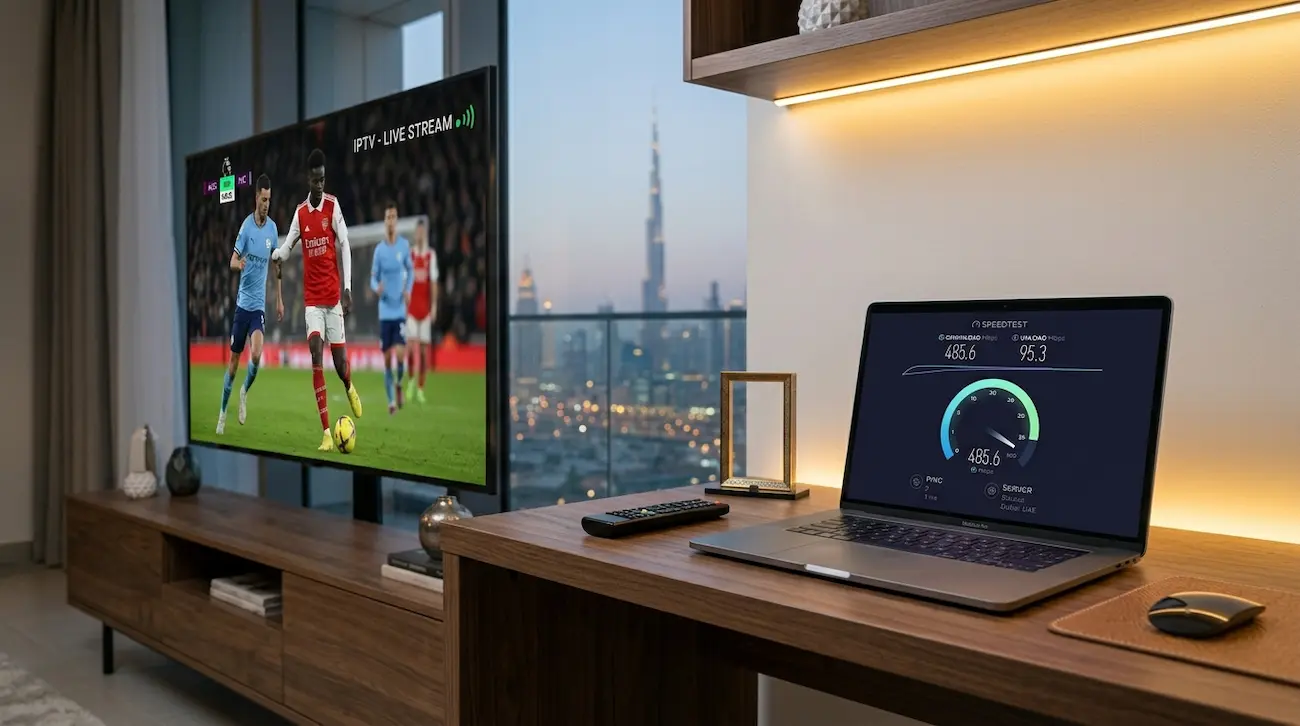
The main issue with IPTV is the internet speed in UAE.
The experts suggest:
| Resolution | Speed |
|---|---|
| SD | 5–10 Mbps |
| HD | 15–25 Mbps |
| 4K | 35–50 Mbps |
Even if your internet package says “100 Mbps,” unstable speed drops can still cause buffering.
Test the speed using the same device as you use for IPTV. Test in the evening time as internet congestion in UAE tends to be higher at night. With too much speed variation, your IPTV stream can freeze constantly. Our guide on the best internet speed for IPTV in Dubai explains the ideal setup for HD and 4K streaming.
Pro Tip
Do not download high-sized files or download games while watching IPTV. The more devices that are connected the less bandwidth will be available.
2. Stop Using Weak WiFi Connections

One of the main reasons for the IPTV freezing is due to WiFi. Other routers, distance and walls can make it hard to get a signal. IPTV streams are very sensitive to packet loss and network instability.
Best Solution
Don’t use WiFi, use a wired Ethernet connection. An Ethernet cable has the following characteristics:
- Lower latency
- Better stability
- Less packet loss
- Faster response time
A lot of Reddit users said they fixed the buffering issue by changing the connection from WiFi to Ethernet.
If You have to Use WiFi then
- Use 5GHz instead of 2.4GHz
- Get closer to the router
- Don’t use thick concrete walls.
- Restart router weekly
3. If you’re facing ISP throttling, use a VPN to overcome it.
Throttling by ISP is very common with IPTV streaming. VPN (Virtual Private Network) helps hide IPTV traffic and can reduce ISP throttling during peak hours.”
IPTV speed is even affected during the peak hours by some Internet service providers. That is why IPTV might work fine in the morning and then freeze when it comes time for bed at night.
Many signs indicate that ISP Throttling is occurring.
- IPTV buffers primarily during night time hours.
- Netflix is working out of the way, but IPTV freezes.
- VPN boosts the streaming quality.
Best Fix
Opt for a top-notch VPN service provider that offers high-speed servers. A good VPN can:
- Hide IPTV traffic
- Reduce ISP interference
- Improve stream stability
- Bypass regional blocks
Usually, free VPNs cause buffering issues due to the fact that their servers are overloaded.
4. Regularly clear IPTV App Cache.
As time goes on, IPTV apps generate temporary files which cause a drop in the speed. This often causes:
- Freezing
- App crashing
- Slow channel switching
- Playback lag
How to Clear Cache
On Firestick
Clear Cache → Settings – Applications – Manage Installed Applications – IPTV App
On Android TV
To clear out the IPTV App cache, go to Settings → Apps → IPTV App → Storage → Clear Cache Repeat this process every couple of weeks to achieve smoother streaming.
5. Upgrade Your Router
A lot of UAE homes are still on old ISP routers which are not coping with IPTV traffic. Low-cost routers can’t do:
- Multiple devices
- 4K streaming
- Heavy evening traffic
- IPTV data packets sent on a continual basis.
Here are some signs that your router might be the issue.
- WiFi disconnects often
- The IPTV freezes when several or more users are connected.
- Router becomes hot
- The target slow speed is far from router.
Recommended Features
Check for routers that have:
- Dual-band WiFi
- WiFi 6 support
- Gigabit Ethernet ports
- Strong processor
The stability of IPTV can be greatly affected by a better router.
6. Reduce Streaming Quality
Many users try to stream everything in 4K even when their internet cannot handle it. Stable high bandwidth is required for 4K IPTV streaming. When the speed of the stream changes too often it will freeze often.
Simple Fix
Switch:
- 4K → 1080p
- 1080p → 720p
The lower quality streams have less bandwidth and a much reduced buffering. The majority of users will find little difference between 1080p and 4K on smaller size TVs.
7. You can change IPTV Player Settings.
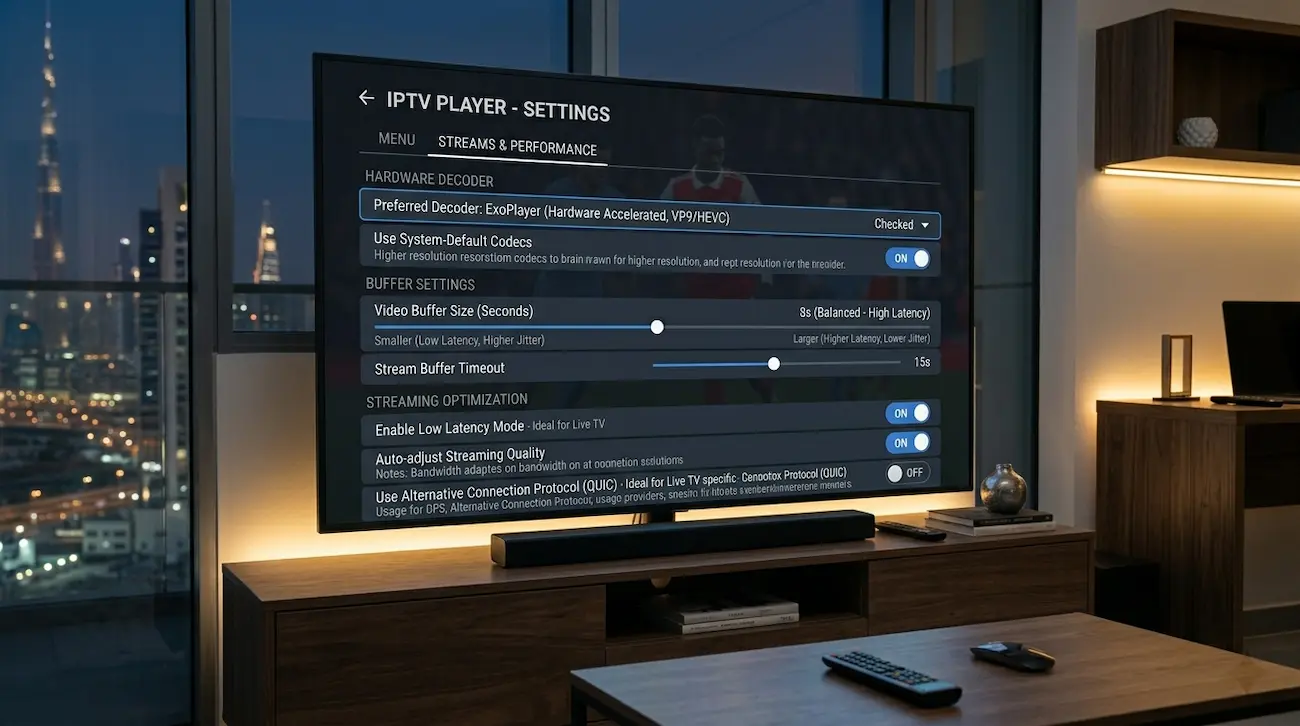
Even on high-speed internet connection, if the IPTV app is set incorrectly, it can lead to playback problems.
Some players are able to allow:
- Decoder selection
- Buffer adjustment
- Hardware acceleration
- Video rendering options
Recommended Settings
Enable Hardware Decoder
This will minimize device CPU utilization.
Increase Buffer Size
Set the buffer time to 5-10 seconds.
Try Another Player
Apps like:
- IPTV Smarters
- TiviMate
- VLC Player
May behave differently on different devices.
8. Restart Your Streaming Device Weekly.
Over time streaming devices slow down. IPTV freezing may be caused by background apps, memory leaks and overheating. This happens particularly when the following is used:
- Older Firesticks
- Cheap Android boxes
- The Smart TVs with low RAM are available.
Quick Fix Checklist
- Restart device weekly
- Close background apps
- Remove unused apps
- Ensure storage space is kept clear.
- Update firmware regularly
The majority don’t realize that maintaining is easier than it is to improve streaming performance.
9. Do not change your DNS settings.
DNS can cause delays in loading IPTV channels. Your ISP’s default DNS sometimes gets clogged up during rush hours.
A large number of IPTV users reported their improvement in performance and usability of IPTV after changing their DNS server.
Recommended DNS
| DNS Provider | Primary DNS |
|---|---|
| Cloudflare | 1.1.1.1 |
| Google DNS | 8.8.8.8 |
Switching to different DNS can be easy and helps to make the connection more stable.
10. The issue may be that your IPTV provider is the problem.
So, it’s not always up to just you to fix your internet. Some of the cheap IPTV providers tend to sell too many subscriptions and over burden their server. This causes:
- Live sports freezing
- Channel lag
- Random disconnects
- Peak-hour buffering
The primary ways to recognize a bad IPTV provider are the following:
- Only sports channels freeze
- When it comes to big matches, everyone complains.
- Streams go dry each evening.
- No backup servers
A good IPTV service provider must provide:
- Stable servers
- Anti-freeze technology
- High uptime
- Fast support
- Multiple server locations
A free trial of another provider is often the quickest method of determining the issue.
Best Internet Setup for IPTV in UAE
This is the ideal configuration for seamless IPTV streaming in Dubai and UAE:
| Component | Recommended Setup |
|---|---|
| Operating Frequency | 600 Mhz |
| Connection Type | Ethernet |
| Router | WiFi 6 Router |
| VPN | Premium VPN |
| Description of the IPTV Device | Firestick 4K / Android Box |
| DNS | Cloudflare 1.1.1.1 |
| Streaming Quality | High quality (1080p) for stability |
This setup will reduce buffering and enhance overall stream performance.
Common IPTV Mistakes UAE Users Make
There are some common misconceptions that many users may have about buffering.
Most Common Mistakes
- The use of free IPTV applications is rising in popularity.
- Using a weak WiFi connection to stream.
- Playing 4K on a slow internet connection is almost impossible.
- Ignoring router updates
- Using overloaded VPNs
- Generating very cheap IPTV services
Taking steps to prevent these mistakes will enhance IPTV performance right away.
Expert Tips to Stop IPTV Freezing for the Long-Term
Keep Your Router Updated
The updates boost the stability and security of the router.
Make the best use of QIPDs.
Utilize Quality IPTV Devices.
Low cost streaming boxes do not work well with HD streams.
Restart Network Equipment
Restart router and modem once a week.
Monitor Evening Speeds
Peak hour traffic is a regular occurrence in the UAE.
Keep off of Public DNS For ISP.
Typically, Cloudflare or Google DNS is better.
FAQ
What causes IPTV to freeze just during the night in UAE?
Internet traffic tends to be heavier at night. Also, ISPs can slow down IPTV traffic during peak hours.
What internet speed is best for IPTV in UAE?
For stable HD streaming, at least 25 Mbps is recommended. If you have 4K IPTV, you will be able to get the best result by using 50 Mbps or more.
Does VPN help IPTV buffering?
Yes. A quality VPN service can help to lessen ISP throttling and enhance IPTV stability, particularly during busy evening hours.
Is Ethernet a better choice for IPTV than WiFi?
Yes. Ethernet offers a more reliable link that is less prone to disconnections and has lower latency.
Why is IPTV not working during live sports?
There is a lot of traffic on live sports. During big events, some IPTV providers overload their servers leading to buffering and freezing.
Is there a way that DNS settings can enhance IPTV?
Yes. Switching to Cloudflare or Google DNS can help to optimize channel loading speed and stability.
Final Thoughts
Internet stability, WiFi interference, ISP throttling or an overloaded IPTV server is the most common cause of IPTV freezing in UAE. Fortunately, most buffering problems can be resolved.
Begin at the ground level:
- Test internet speed
- Use Ethernet
- Clear app cache
- Restart devices
- Try a VPN
- Optimize IPTV settings
Many times, these minor alterations fix the freezing issues entirely and bring back streaming of IPTV services.