

Sick and tired of that annoying buffering wheel that comes in at the most critical moment of a movie or a live sporting event? You’re not alone. Any IPTV provider is not the secret to a smooth non-interrupted experience, but rather, it is the best internet speed to use IPTV in Dubai.
Poor streaming quality, lag, and buffering are also common to many users in the UAE who believe that their internet speed is sufficient. The fact is that IPTV does not need high speed only, but a constant and steady connection.
In this full tutorial, you will know:
- What is the internet bandwidth required in IPTV in Dubai?
- The optimal HD and 4K IPTV streaming speed
- Popular IPTV buffering issues and solutions
- Optimization of zero buffering setup
Quick Answer: The Top Internet speed in Dubai to use for IPTV
If you want a simple answer:
- HD Streaming: 25–30 Mbps
- 4K Streaming: 50+ Mbps
- Multiple Devices: 100–200 Mbps
This is the recommended IPTV internet speed in the UAE that households require to have a flawless streaming process.
What is the ideal internet speed for IPTV?
The internet is like a delivery system. IPTV does the downloading of video data in real time. When you have a slow or weak connection, the video stops to refresh – that is buffering.
To prevent this, the internet speed of IPTV streaming should be in line with the usage and quality of video.
Suggested HD, Full HD and 4K Streaming Speed
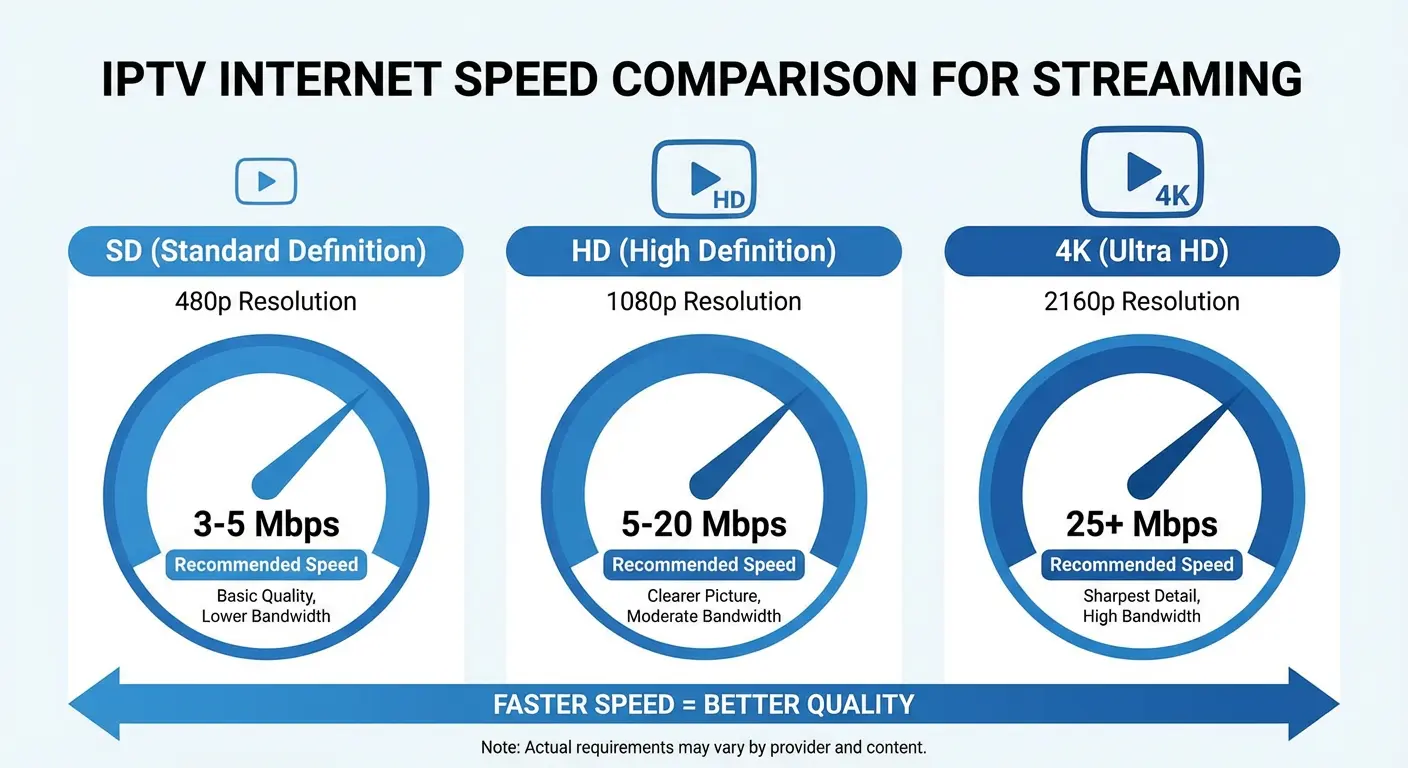
| Resolution | Minimum Required Speed | Recommended Speed |
|---|---|---|
| SD (480p) | 5 Mbps | 10 Mbps |
| HD (720p/1080p) | 10–15 Mbps | 25–30 Mbps |
| 4K (Ultra HD) | 25–30 Mbps | 50+ Mbps |
Best results are achieved when using higher speeds. This will provide a stable IPTV 4K streaming speed free of interruption.
Real-life Application: IPTV Performance at Different Speeds
With the real cases in mind, it is easier to understand the requirements of IPTV speed in Dubai:
At 10 Mbps
- Works for SD and limited HD
- Frequent buffering
- Unsuitable with IPTV at UAE homes
At 50 Mbps
- Smooth HD streaming
- Supports 4K on one device
- Good for single users
At 100 Mbps and Above
- Best for families
- Multiple 4K streams
- No buffering or lag
That is why, it is usually the simplest internet plan upgrade to fix IPTV buffering in Dubai.
The importance of Internet Speed in terms of using IPTV in Dubai
The IPTV streaming in the city of Dubai is primarily dependent on the internet performance. Faintest decrease of speed may result in:
- Buffering of live matches
- Freezing screens
- Delayed playback
These problems occur when your connection is incapable of downloading video data at a high speed.
When people type in the query why IPTV buffering occurs in UAE, the response they will get nearly always concerns the inadequacy or inconsistency of the internet speed.
Fastest Internet in Dubai (By Usage) IPTV
The speed you want to use will be determined by the number of individuals and gadgets using the internet.
Single User Setup
Assuming that you use the same device to watch IPTV:
50 Mbps with such providers as Etisalat or du is sufficient.
Family or Shared Connection
In case it is being used by multiple users, who are streaming or playing games or browsing:
Choose 100–250 Mbps
This eliminates the congestion and thus provides easy streaming to all.
Heavy IPTV (4K + Multi Devices) Users
If your home uses:
- Smart TVs
- Firestick / Android box
- Multiple IPTV streams
You need 200 Mbps or higher
Top Internet service providers of IPTV in Dubai
The selection of the appropriate ISP is also of importance in stable IPTV streaming.
Top Options in UAE
- Etisalat – Renowned as fast fiber
- du – Good in terms of competitive pricing
Fiber internet will be superior to DSL or mobile data to the IPTV.
Best Tips to Avoid IPTV Buffering
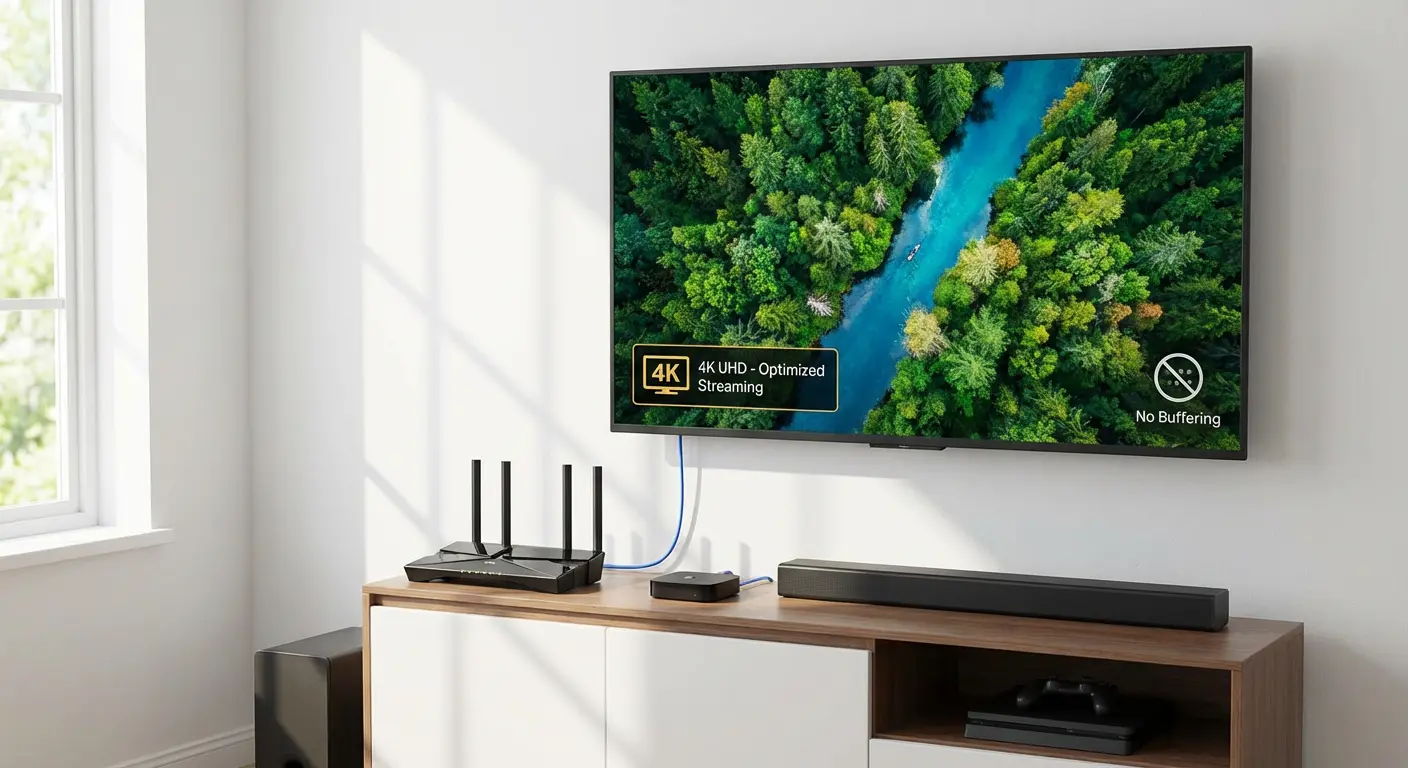
Problems can be encountered even with high speed but poor setup. These are tips that can be used to enhance performance.
Change Your DNS Settings
Occasionally, the DNS of your ISP is slow.
Switch to:
- Google DNS (8.8.8.8)
- Cloudflare DNS (1.1.1.1)
This enhances faster loading and less buffering.
Test Your Internet Performance (Ping and Jitter)
- Ideal Ping: Below 50ms
- High Ping = delay and lag
Ethernet cable is best used than WiFi.
Have a Quality IPTV Player
Other apps process streaming better.
Recommended:
- TiviMate
- IPTV Smarters Pro
These applications minimize buffering and enhance the quality of playback.
Reboot Your Router After a While
Simple but effective.
Rebooting solves network congestion and enhances speed.
Avoid Peak Hours
The evening time is the one when the internet becomes slow because of excessive traffic.
Ideally, watch stream on off-peak times.
WiFi or Ethernet, Which one is better in regards to IPTV?
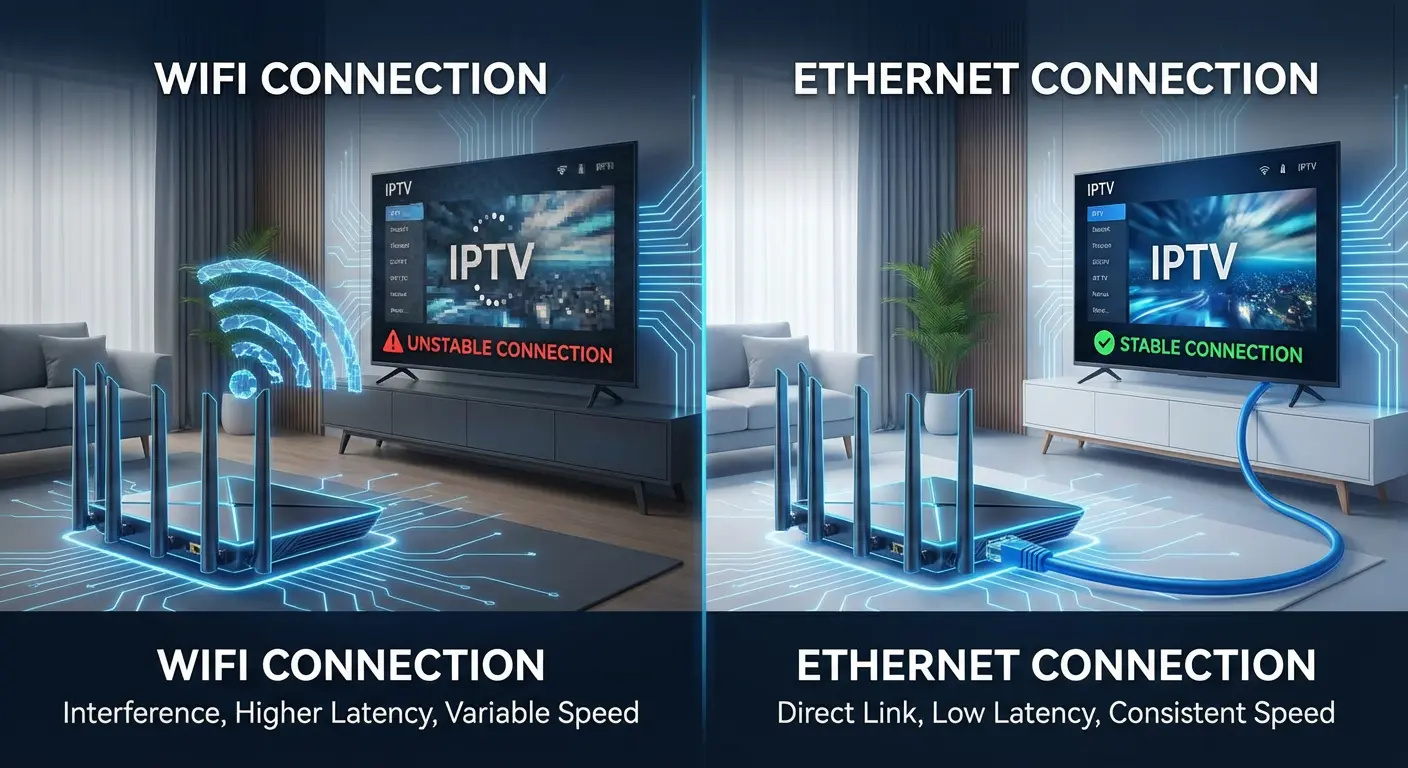
Ethernet is always better
Why Ethernet Wins:
- Stable connection
- No interference
- Lower latency
When WiFi is Okay:
- Use 5GHz band
- Stay close to router
A lot of users who type best WiFi speed to stream IPTV do not know that the type of connection is also important, besides the speed.
The most common errors, which lead to IPTV Buffering
Despite a good internet connection, the following errors could spoil your experience:
- Slow or weaker WiFi
- Too many connected devices
- Cheap IPTV provider
- Outdated streaming apps
- Not enough internet speed
These problems are usually the quickest methods to resolve buffering in IPTV.
Why Your IPTV Provider Is More Important Than You Think
You do not only need internet speed.
A bad provider of IPTV can result in:
- Constant buffering
- Channel freezing
- Low-quality streams
Reliable providers offer:
- Strong servers
- Stable connections
- High-quality streams
That is why it is so important to select the appropriate IPTV service as it is the fast internet. Choosing the right provider is crucial. You can read our detailed Free vs Paid IPTV UAE: Complete Comparison Guide to see the differences in quality, stability, and performance.
Frequently asked questions concerning the IPTV Internet Speed in Dubai
What is the lowest internet speed required in IPTV in Dubai?
HD 25 Mbps and 4K streaming 50 Mbps.
What is the required internet speed of IPTV 4K?
A minimum of 50 Mbps would support streaming 4K without buffering.
Is it possible to use mobile data to use IPTV in UAE?
Yes, however, not recommended because of instability and high data usage.
Does the quality of internet speed influence the quality of IPTV?
Yes, directly. Slow speed results in buffering, lag and low quality of video.
Does VPN reduce the speed of IPTV streaming?
Yes, a VPN can reduce speed by 10–30%. Only high-speed VPN services should be used in case of necessity.
Final Words: The Speed You Really Need
The appropriate speed, stability, and installation are the key to achieving the maximum internet speed in Dubai to use IPTV.
Ideal setup:
- 50 Mbps for single users
- 100–200 Mbps for families
- Ethernet connection
- Reliable IPTV provider
A combination of these will enable you to indulge in:
- Smooth HD streaming
- Buffer-free 4K content
- Stable live TV experience