
Introduction
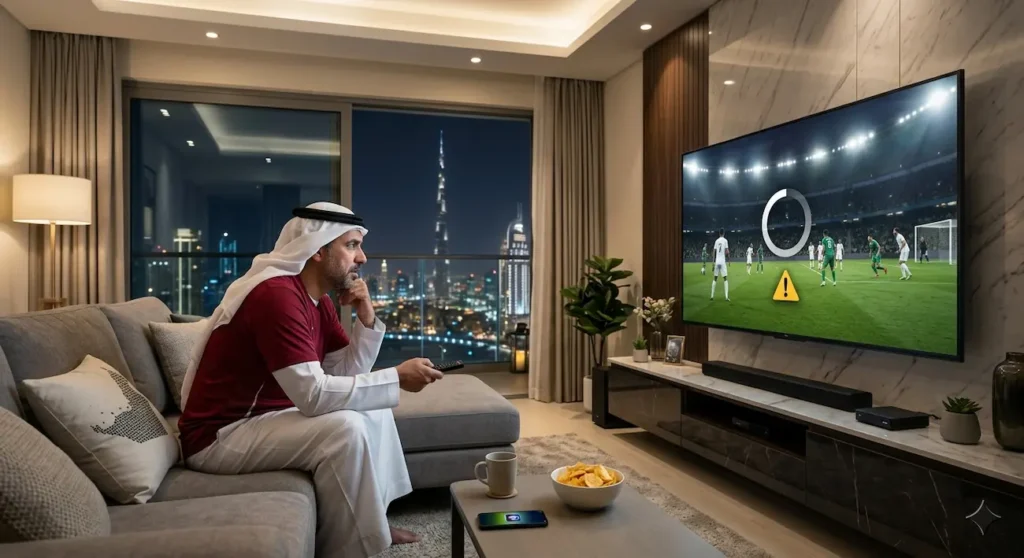
The live game on IPTV is a popular choice for sports fans in the UAE. A lot of viewers use IPTV to catch the major football leagues, international championships and sports channels which they can enjoy at home. But there’s nothing more annoying than watching an awesome game only to be met with a buffering or freezing screen or a dropped stream. These things can occur during the most crucial times of a game.
The most common causes for IPTV disconnecting during sports include internet connection issues, IPTV server performance, device restrictions, or configuration problems. Unlike movies and recorded videos, content in live sports streaming is not saved in a library but is streamed live. There is a possibility of stream disconnection or reloading even with a brief disconnection.
This guide will identify some of the reasons why IPTV disconnects during live football and offer solutions for IPTV users in the UAE to enhance their experience.
Why IPTV Always Loses Connection During Live Football?
To enjoy live football streaming, you need to maintain an ongoing connection between your device and the IPTV server. This is not like normal videos that you can wait till the match finishes to watch.
Data needs to be continuously flowing into the stream every second. When this goes on wrong, you may suffer from:
- Buffering
- Freezing
- Channel errors
- Black screen
- Automatic reconnection
Typically, these are the primary causes:
- Unstable internet connection
- Weak Wi-Fi signal
- IPTV server overload
- Outdated apps
- Device performance issues
- Network congestion
- Incorrect settings
The first step in solving a problem is to determine what the problem is.
The Causes of IPTV Disconnection Are Common
1. Unstable Internet Connection

A weak internet connection is one of the top reasons that IPTV keeps dropping when watching sports. While many users look at their internet speed, stability is a more important factor for live streaming. Even if the speed appears to be high, a slow connection for a few seconds could disrupt the football stream.
In a live game, IPTV requires a steady stream of data. If the connection is unstable, the play may stop or drop out.
Internet Related Issues Include:
- Stream stops randomly
- Video suddenly switches from good to poor quality
- Buffering appears often
- The following problems occur with multiple channels
- Communication is enhanced during less busy times of the day
Solutions:
Try these steps:
- Restart your router
- Use Ethernet cable to connect to the Internet
- Reduce connected devices
- Adjust your router to get closer to the wood
- Check the internet connection during a match
A stable connection will be better enough for football streaming, as compared to just having a high speed.
2. IPTV Server Overload
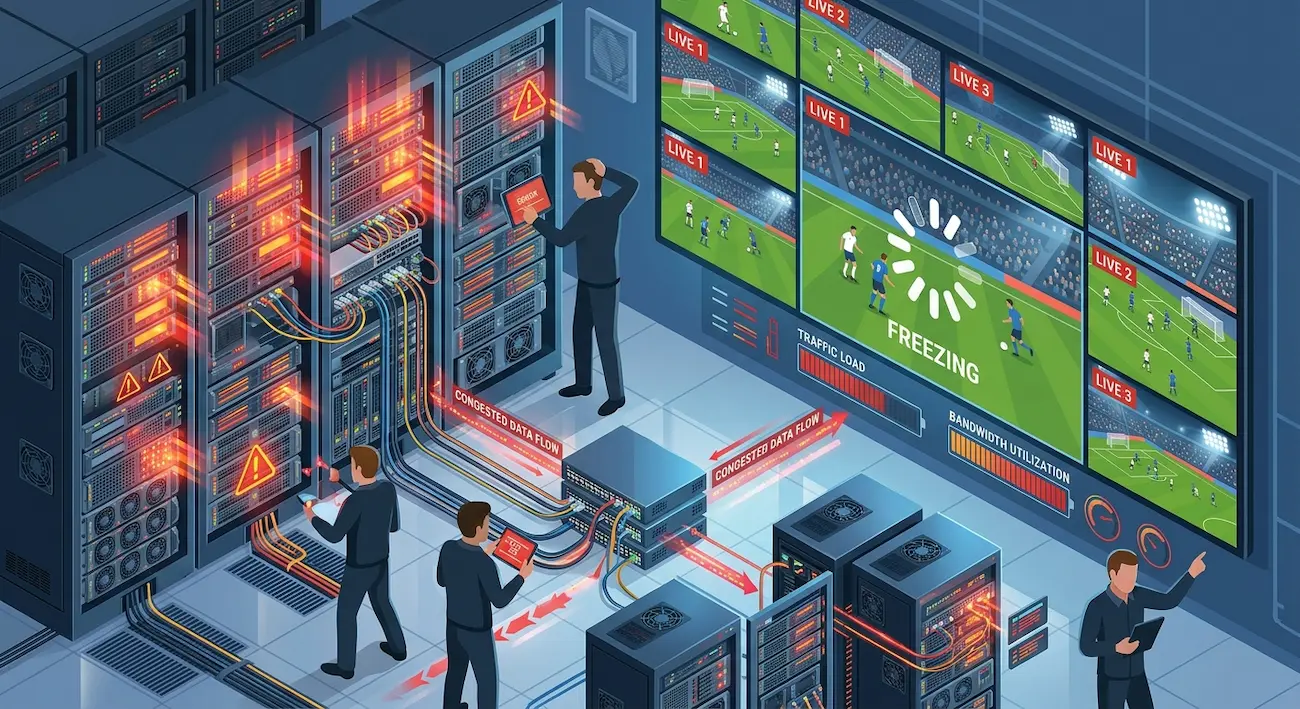
Sometimes the internet is fine but the IPTV server is unable to cope.
On popular football games, thousands of users can be opening the same sports channels. Weak infrastructure on the server can cause disruptions.
Common Signs Include:
- The sports channels only fail
- During a big game, I’m sure of it
- Later channels function as normal
- Frequent reconnecting
Good IPTV service should have robust servers, bandwidth and good traffic control.
3. Weak Wi-Fi Signal
While streaming is convenient with Wi-Fi, it can also cause connectivity issues. Routers are frequently located outside Smart TVs or IPTV boxes in UAE homes. The signal can be weak due to walls, furniture, or other equipment.
Low Wi-Fi signals can lead to:
- Sudden buffering
- Lower video quality
- Random disconnects
Improve Wi-Fi Performance:
- Keep your router out of the way of Crowds
- If available use the 5GHz Wi-Fi network
- Try not to mount the router behind furnishings
- Disconnect unused devices
- If available, always use Ethernet
For live sports, typically the safest bet is a wired connection.
IPTV Streaming Requirements for Live Football in UAE
| Streaming Quality | Recommended Speed | Best Use |
|---|---|---|
| SD | 5 Mbps+ | Basic viewing |
| HD | 10–15 Mbps+ | Regular football streaming |
| Full HD | 20 Mbps+ | Smooth sports viewing |
| 4K | 50 Mbps+ | Premium quality |
Remember that speed is not the only consideration. Low latency and network stability are also crucial.
4. IPTV App Problems
In some cases, the IPTV service is good, yet the application has an issue. Newer devices might not be compatible with older IPTV players. Performance may be impacted by cache buildup, redundant versions and wrong settings.
Common Problems with a Soiled App Are:
- App freezing
- Playback errors
- Slow loading
- Channel crashes
Fix Problems with the IPTV App:
- Get an update for your IPTV player
- Clear cache
- Restart your device
- Reinstall the application
- If you are playing another compatible player, try a different one
If your app is well-maintained, it can enhance your overall streaming experience.
5. Device Performance Issues
One of the factors that affect the performance of IPTV is the streaming device you use.
The processing power of smart TV, Android box, and streaming device is different. The older equipment might not be compatible with HD or 4K sports.
Indications of Device Problems:
- Device becomes slow
- App closes suddenly
- Restarting streaming to improve after it starts
- It’s only bad channels that fail
Improve Device Performance:
- Close unused apps
- Free storage space
- Update device software
- Restart regularly
- Prevent overheating
A properly maintained device will be able to deal with live football streams with better efficiency.
7. VPN Issues that Impact IPTV Streaming
VPN services are used in UAE for some specific reasons such as privacy and connection. But VPNs do have some drawbacks in terms of streaming performance.
A VPN establishes an extra path through which to connect. IPTV quality could be impacted if the VPN server is far away or overloaded.
Possible Problems:
- Higher latency
- Slow loading
- Buffering
- Disconnections
Fix VPN-Related Issues:
- Select server that is close by
- Carefully avoid overloaded VPN locations
- Test an IPTV service without protection of a VPN
- Opt for a more advanced VPN protocol
If this is live football the connection is generally better if it has low latency.
7. DNS Problems
DNS assists your device to communicate with services on the Internet. The Domain Name System (DNS) converts domain names into IP addresses so devices can locate online services. The DNS configuration may impact the device’s connection speed to IPTV servers.
Some may find that using different DNS will enhance the reliability of their connection.
Possible Options Include:
- Google DNS
- Cloudflare DNS
- OpenDNS
Restart device and test the stream again after changing the DNS settings.
8. Too Many Devices on Your Network
There are multiple connected devices in many homes in UAE:
- Phones
- Tablets
- Gaming consoles
- Smart TVs
- Laptops
- Cameras
IPTV can be hampered by too many devices being active simultaneously on the same bandwidth.
Improve Network Usage:
- Pause downloads
- Disconnect unused devices
- Allow the configuration of Quality of Service parameters for the router
- Give priority to your IPTV device
This can decrease the buffering during crucial games.
Here Are Some Helpful Tips for Resolving Common IPTV Issues
| Problem | Cause | Fix |
|---|---|---|
| IPTV stalls during match | Poor connection | Ethernet (direct cable) |
| Periodically disconnects (every few minutes) | Server problem | Check with provider |
| All channels buffer | Internet problem | Restarting the router |
| Sports channels are down | Server overload | Try a different stream |
| App crashes | Player issue | Update app |
| 4K stops often | Device limitation | Upgrade device |
Advanced Fixes For IPTV Sports Streaming
Use Ethernet Connection
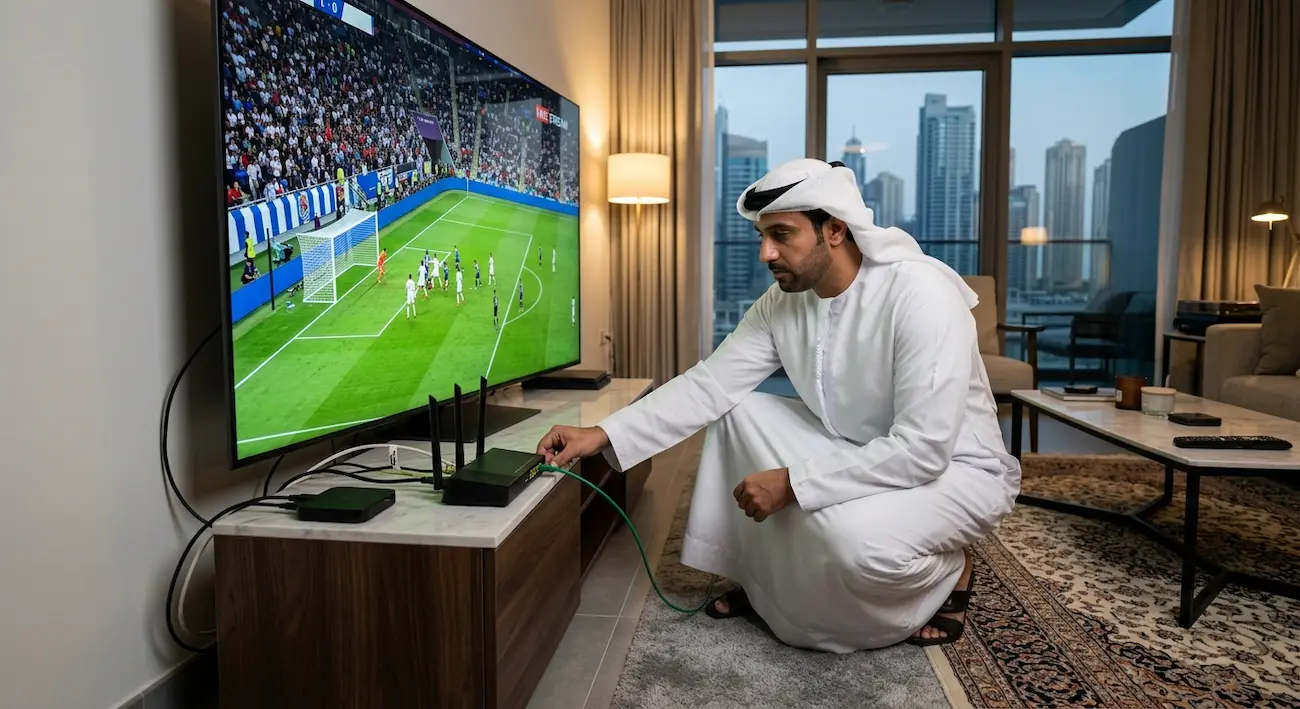
Ethernet is one of the best enhancements for fans who crave reliable streaming. For more solutions, check our guide on stopping IPTV buffering during live sports in Dubai and the UAE .
Many problems that usually occur with Wi-Fi are eliminated with a wired connection, including:
- Signal interference
- Distance issues
- Wireless drops
Plugging your IPTV device straight into your router may result in smoother play.
Lower Streaming Quality
There is a relationship between the quality of streams and the resources they require.
If your IPTV keeps disconnecting:
Try switching:
- 4K → Full HD
- Full HD → HD
The stability of an HD stream is far more important than a constant stopper 4K stream.
Restart Before Big Matches
Prior to a big game, reset your:
- Router
- Smart TV
- IPTV box
This resolves temporary issues and restarts the connection.
IPTV vs Traditional TV for Football
| Feature | IPTV | Traditional TV |
|---|---|---|
| Channel options | Wide options | Limited options |
| Internet needed | Yes | Usually no |
| Device flexibility | Several different devices | Limited |
| Cost options | Flexible | Fixed plans |
| Streaming quality | Depends on setup | Usually stable |
IPTV offers flexibility, but requires a reliable Internet connection.
If You Experience IPTV Disconnection During Sports, You Can Take Steps to Resolve the Issue
Avoid problems by following these habits:
- Test IPTV prior to key occasions
- Keep apps updated
- Use stable internet
- Avoid overloaded networks
- Maintain your device
- Be sure to use a reliable streaming system
Some minor adjustments can make for a much more pleasant football experience.
UAE Tips for Better IPTV Football Streaming
The UAE has good internet infrastructure, but there is still a need to optimize home network configuration to improve streaming quality.
For better results:
- Use fibre internet
- Make sure that your router is in top shape
- Make use of modern streaming devices
- Stay clear of areas with weak WiFi connection
- Make sure everything is configured prior to games
Early preparation means no interruptions during key games.
Final Thoughts
Internet instability, server overload, device restrictions, and app problems are the typical reasons for IPTV disconnecting while watching sports.
In most cases the best way to get it done is to look at the whole setup rather than changing services straight away.
Wiring a stable internet connection, updating the IPTV player, strengthening the devices, and optimizing the network can greatly enhance your live football streaming experience in the UAE.
If you configure them right, you can play matches without having to pause them often, without buffering, and without any choppy audio.
Frequently Asked Questions
1. Why does my IPTV disconnect only during football matches?
This usually happens because football matches create high demand on IPTV servers. Network congestion and server overload can cause interruptions.
2. What internet speed is needed for IPTV sports streaming?
HD streaming usually needs around 10–15 Mbps, while Full HD and 4K require more speed. Stability is more important than speed alone.
3. Can Wi-Fi cause IPTV buffering?
Yes. Weak signals, interference, and too many connected devices can cause IPTV buffering and disconnections.
4. Does restarting my router help IPTV?
Restarting can fix temporary connection problems by refreshing the network. It will not fix server-side issues.
5. Why does IPTV work normally except during big games?
Major matches increase viewer traffic. If the IPTV server cannot handle the demand, users may experience problems.
6. Should I use a VPN with IPTV?
A VPN can sometimes affect performance. If it causes buffering, test your IPTV connection without it.
7. Can an old TV cause IPTV problems?
Yes. Older devices may struggle with high-quality streams because of limited hardware performance.
8. What is the best fix for IPTV disconnecting during sports?
Start with internet stability, then check your router, IPTV app, device performance, and server quality.