
Introduction
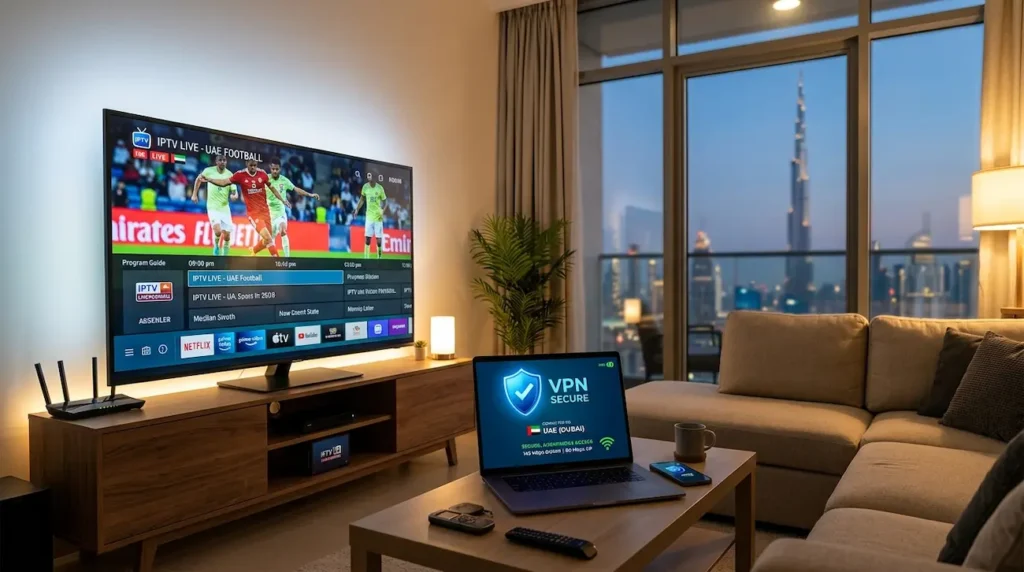
IPTV has emerged as one of the most popular ways of viewing television content in UAE. Many users now use internet-based services instead of just traditional cable packages to stream live channels, sports, movies, and entertainment.
But there are various factors that affect the performance of IPTV such as internet speed, server location, network stability, and connection quality. Common problems that occur for many users are buffering, freezing, slow loading, and stream interruptions.
By establishing a secure connection between your device and the internet, a VPN can help improve the streaming experience. The top VPN service for IPTV UAE should provide rapid servers, minimal latency, robust security and stability, and support HD and 4K streaming.
This guide brings to you the comparison of some of the most popular VPNs in terms of their speed, streaming capabilities, device compatibility, and reliability.
What Is a VPN and How Does It Work With IPTV?
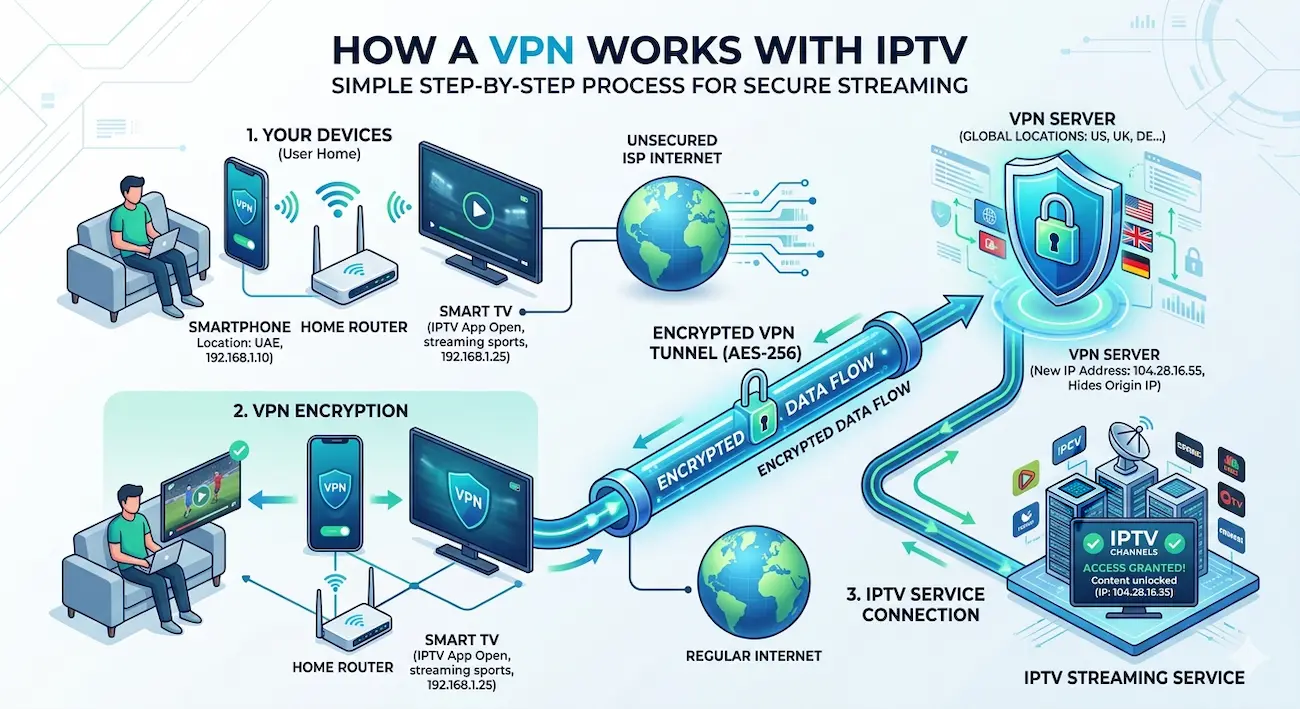
Using a VPN (Virtual Private Network), you can establish an encrypted connection between your device and a VPN server. Your traffic goes through the VPN network, rather than directly to the internet.
A VPN offers advantages to IPTV users, including:
- Better connection privacy
- More stable routing
- Protecting data on public Wi-Fi networks
- Reduced ISP-related interruptions
- Access to various server locations
VPNs do not affect internet speed, but a good VPN can help stream some content more smoothly due to improved routing and network congestion avoidance.
The Following Table Compares the Best VPN for IPTV UAE
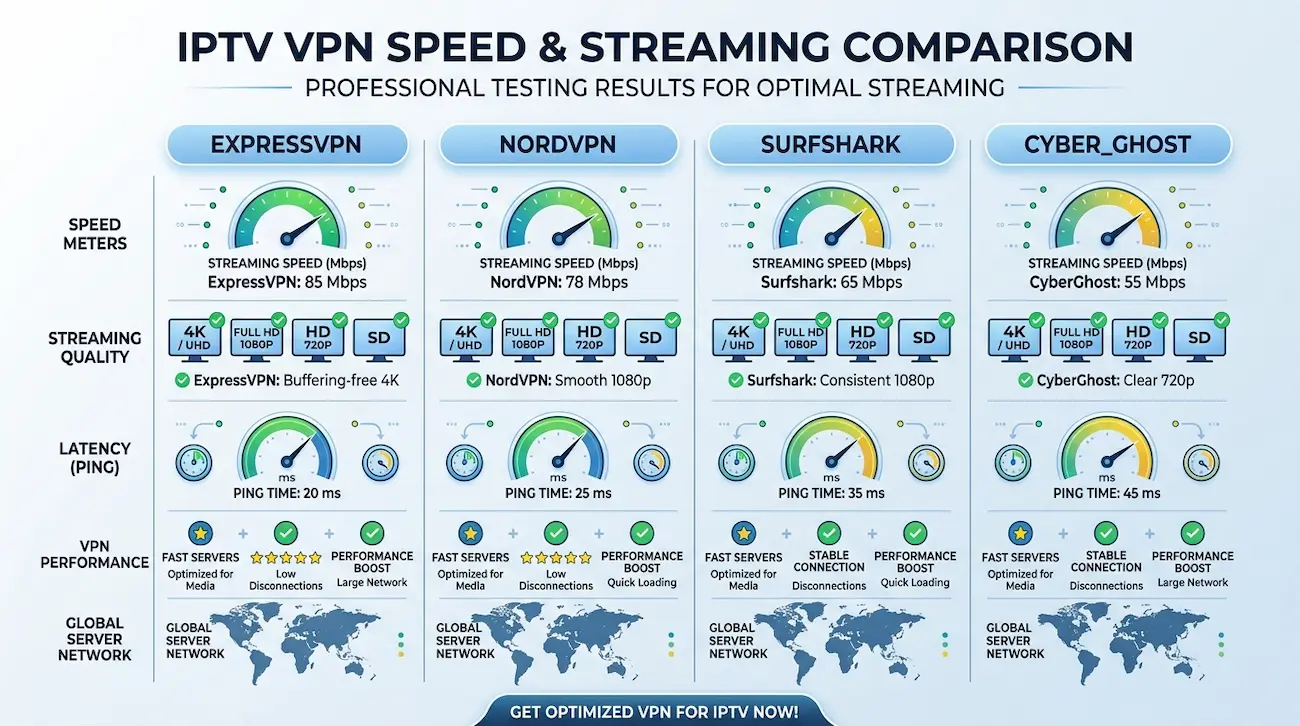
| VPN | Speed | IPTV Performance | Devices | Best For |
|---|---|---|---|---|
| ExpressVPN | Excellent | Excellent | Smart TV, Firestick, Mobile | Premium streaming |
| NordVPN | Excellent | Very Good | Multiple devices | Speed and security |
| Surfshark | Very Good | Very Good | Unlimited devices | Budget users |
| CyberGhost VPN | Good | Good | Most platforms | Beginner users |
| Private Internet Access | Good | Good | Advanced setups | Custom settings |
1. ExpressVPN – Best Overall VPN for IPTV UAE
ExpressVPN is the best overall VPN for IPTV UAE.
ExpressVPN is among the best options for streaming IPTV as it is fast, reliable, and easy to set up.
In the UAE, the connection speed is particularly crucial for IPTV subscribers. A slow VPN might lead to buffering issues, and a fast VPN can prevent buffering or lag.
ExpressVPN provides:
- High-speed servers
- Strong encryption
- Easy applications
- Smart TV compatibility
- Router support
It can be used with the following devices:
- Android TV
- Amazon Fire TV Stick
- Smartphones
- Tablets
- Computers
ExpressVPN is a safe alternative for IPTV users who prefer simple configurations and an easy-to-use experience.
2. NordVPN – Fast VPN for IPTV Streaming
NordVPN is the second-fast VPN for IPTV streaming.
NordVPN is another great option for IPTV viewers.
It employs state-of-the-art VPN technology that has been engineered to deliver speedy connections without compromising on security. It’s ideal for those who watch live sports, movies, and high-quality channels.
Important features include:
- Fast server network
- Strong privacy protection
- Stable connections
- Multiple device support
NordVPN is particularly helpful when the IPTV connection is unstable due to network routing issues.
3. Surfshark – Affordable IPTV VPN UAE Choice
Surfshark is created for users searching for a versatile VPN that is more affordable.
A good point is multiple device support all within one account.
It is helpful for families using:
- Smart TVs
- Phones
- Tablets
- Streaming devices
Surfshark offers:
- Unlimited device connections
- Good streaming speeds
- Simple apps
- Strong security tools
How We Test VPNs for IPTV Streaming
But there’s more to selecting the best VPN for IPTV UAE than just popularity.
The principal reasons are:
Speed Performance
Streaming needs a steady connection. A VPN should be fast enough to allow for smooth streaming.
Recommended internet speeds:
| Quality | Speed |
|---|---|
| SD | 5 Mbps |
| HD | 10 Mbps |
| Full HD | 15–25 Mbps |
| 4K | 25–50 Mbps |
Possible slow connections can lead to:
- Buffering
- Video quality drops
- Loading delays
- Playback interruptions
Your VPN performance also depends on internet speed. So Check best internet speed for IPTV in Dubai for more information.
Server Locations
It is important to note that the location of the server has an impact on the performance of IPTV.
VPNs that have more servers allow users to select better connections with lower latency.
Important factors:
- Distance from server
- Server load
- Network quality
- Connection stability
When selecting a server for IPTV streaming, it may be best to stick with a server that is nearby and has fast speed.
Does a VPN Block IPTV Buffering?
While a VPN can sometimes help to minimize buffering, it’s not a guaranteed solution.
Buffering can occur due to:
- Slow internet speed
- IPTV provider issues
- Weak Wi-Fi signal
- Device limitations
- Server overload
A VPN can come in handy when buffering is due to:
- Poor routing
- ISP restrictions
- Network congestion
To reap the benefits, you need to use a good VPN service along with a strong internet connection.
Best VPN Settings for IPTV in UAE
To enhance streaming performance of IPTV:
Choose a Fast VPN Protocol
There are several VPN services that have protocols that are made for quickness.
Popular options include:
- WireGuard
- Lightway
- OpenVPN UDP
These protocols emphasize security and performance.
Choose a Nearby Server
The closer VPN server typically implies:
- Lower ping
- Faster response time
- Better streaming stability
Do not connect to servers that are overloaded.
Use Ethernet Instead of Wi-Fi
If possible, connect your IPTV device using Ethernet.
Benefits:
- More stable connection
- Less interference
- Lower latency
This is particularly useful for 4K IPTV streaming.
VPN for Firestick and Smart TV
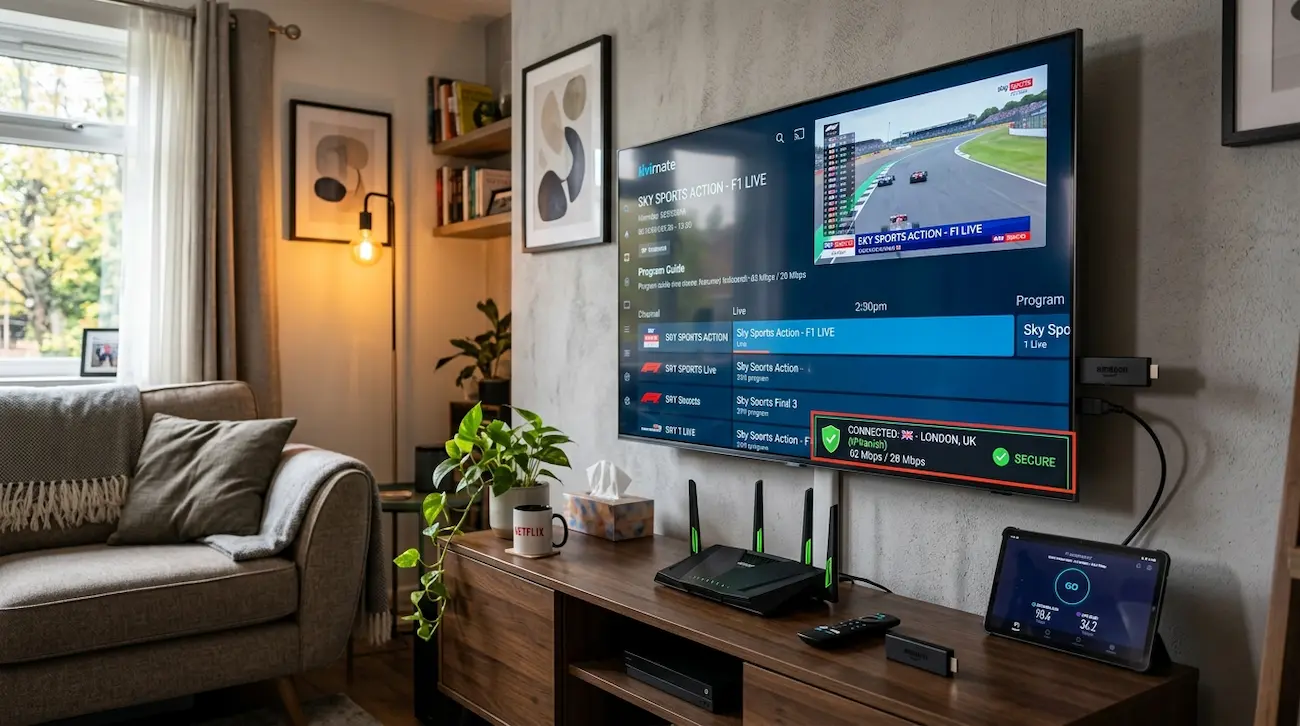
In UAE, numerous IPTV subscribers stream through various devices such as Amazon Fire TV Stick and Android TV.
A VPN should be able to provide:
- Easy installation
- Background connection
- Simple server switching
Basic setup steps:
- Install VPN application
- Login to your account
- Choose a server
- Open IPTV application
- Start streaming
Always make sure that your IPTV application and VPN are compatible with your device.
Is Using a VPN for IPTV Legal in UAE?
VPN technology is commonly used to protect privacy and security.
But users must always ensure that they adhere to local laws and avail of IPTV services that have the required rights and permissions for the content supplied.
The primary use of a VPN is privacy and security. It is not a free pass to use unauthorized content.
Frequently Asked Questions (FAQ)
Which is the best VPN service provider for IPTV UAE?
The most suitable VPN for IPTV UAE depends on the requirements. ExpressVPN and NordVPN are among the most popular options due to their high-speed performance, connection stability, and support for various devices.
Will VPN boost IPTV streaming speed?
VPNs do not directly boost internet speed. It could offer better routing, fewer connection issues, and provide more stability in streaming.
Is it possible to use a VPN with Firestick IPTV?
Yes. There are lots of VPN services that support Firestick and Android TV devices. Users can launch the VPN app and then connect before opening their IPTV application.
Why is there buffering with IPTV even when using a VPN?
A buffering issue can occur due to slow internet, IPTV server problems, device issues, or weak Wi-Fi. VPN can only address some network-related problems.
Is VPN safe to use for IPTV streaming?
A good VPN offers security and privacy. It is important for users to always select reliable VPN providers and follow applicable laws.
Conclusion
The key factors to consider when determining the best VPN for IPTV UAE include speed, reliability, security, and device compatibility. A reliable VPN can enhance the streaming experience by ensuring a reliable connection and safeguarding your online activities.
If you use Smart TV, Firesticks, or mobile devices to watch IPTV, it is vital you get a VPN that has excellent performance and fast servers.
With the right IPTV service, internet connection, and a reliable VPN, you can enjoy a smoother and more enjoyable streaming experience in the UAE.